
If you’ve searched for WordPress security advice recently, you’ve read the same list a hundred times. Install Wordfence. Keep plugins updated. Use a strong password. Enable two-factor authentication.
That advice isn’t wrong. It’s just incomplete, and in 2026, incomplete security advice is the same as bad security advice.
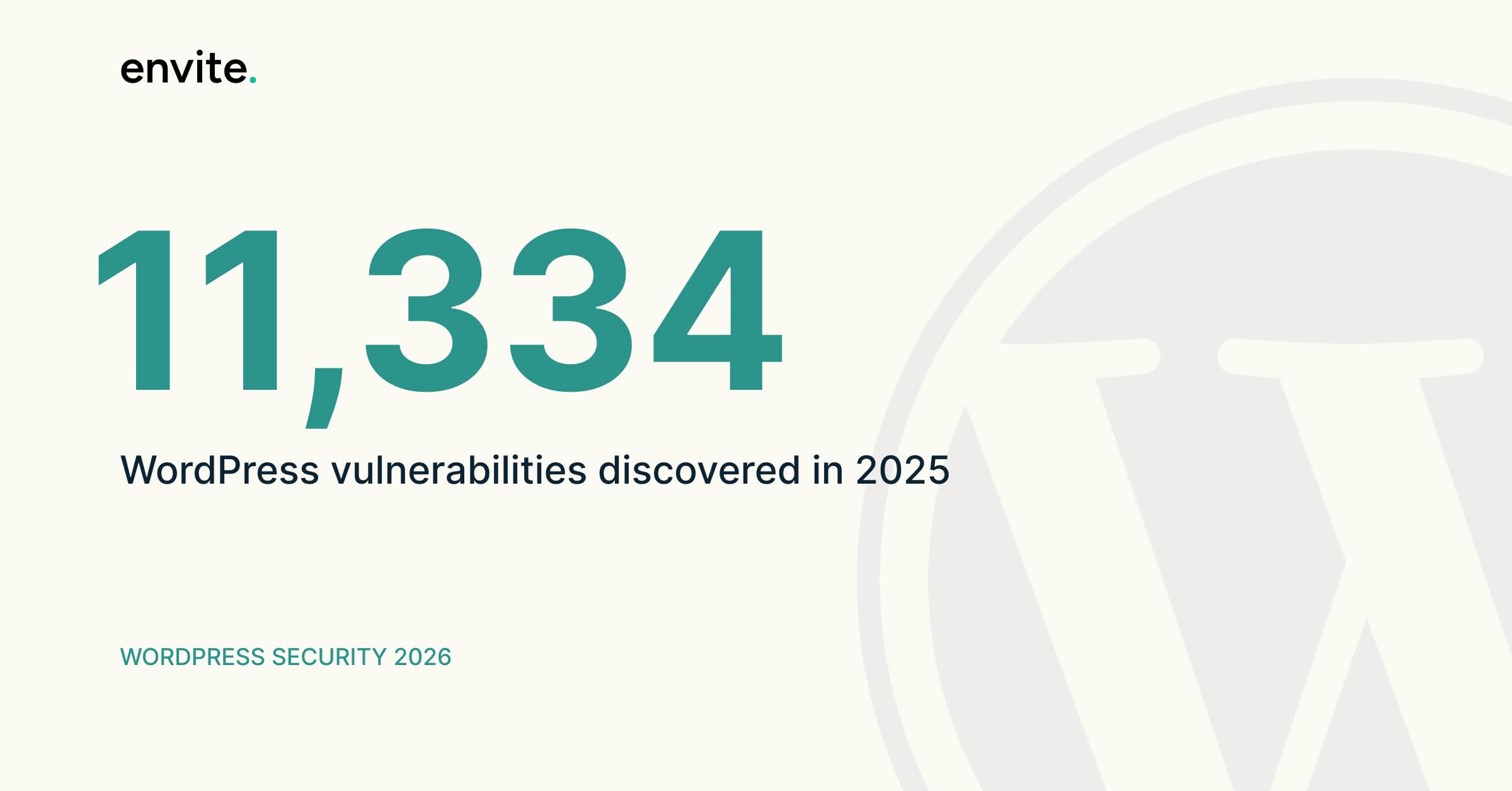
Here’s what the data actually shows: 11,334 vulnerabilities were discovered across the WordPress ecosystem in 2025 alone, a 42% jump from the previous year and the highest number ever recorded. The median time from vulnerability disclosure to mass exploitation is now five hours, and 46% of vulnerabilities have no patch available at the time of disclosure.
Read that again. Nearly half of WordPress vulnerabilities become public knowledge before the developer has even written a fix. “Keep your plugins updated” doesn’t help you when there’s no update to install.
This post covers what actually works in 2026. Not generic advice, but the specific practices we apply when building and maintaining WordPress sites for clients.
The real problem is plugins, not WordPress
Let’s start with what the data says clearly: WordPress core is reasonably hardened. The plugin ecosystem, which contains 60,000+ extensions of varying quality and many unmaintained, is where 95% of breaches start.
WordPress accounted for 96% of all CMS-related vulnerability disclosures in 2026, with plugin ecosystem failures rather than core software flaws driving the majority of compromises.
This matters because most security advice focuses on WordPress as a whole, when the real attack surface is the collection of plugins running on top of it. Every WordPress plugin executes with the same database access, file system access, and admin capabilities as WordPress core itself. There is no sandboxing, no permission model that limits what a calendar plugin or contact form can access. A SQL injection vulnerability in a small plugin most people have never heard of gives an attacker the same access as a vulnerability in WordPress core.
The practical implication: every plugin you install is a security decision, not just a feature decision.
What standard security plugins can and can’t prevent
Wordfence, Sucuri, and similar security plugins do real work. We use them. But understanding their actual scope and their limits is important.
What they can do:
- Block known malicious IPs and bot traffic
- Detect malware that matches known signatures after it is installed
- Alert you to file changes that suggest a compromise
- Limit brute force login attempts
- Apply virtual patches for known vulnerabilities (Patchstack and Wordfence Premium do this)
What they can’t do:
- Prevent a zero-day vulnerability in a plugin from being exploited before a patch exists
- Stop a supply-chain attack where a legitimate plugin is deliberately compromised
- Catch malware specifically designed to evade their signature databases
- Compensate for a fundamentally insecure hosting environment
Standard hosting defenses block only 26% of all vulnerability attacks, according to large-scale penetration testing of popular hosting companies. Security plugins add meaningful protection on top of that baseline, but the baseline itself is poor. Knowing this should change how you think about security: plugins are one layer, not the whole answer.
The April 2026 supply-chain attack and what it means
In April 2026, something happened that changed how serious WordPress teams think about security. More than 25 plugins were removed from the WordPress.org repository in a single day after attackers compromised legitimate plugin accounts and pushed malicious updates to existing installations.
The sites that were affected were not running outdated plugins. They were running plugins installed from the official repository, kept up to date, and trusted, and they were compromised through automatic updates from those same trusted sources.
This was not a vulnerability in WordPress core or a single plugin. It was the trust model itself failing. There is no version of “keep WordPress and all plugins updated” that prevents this attack. The advice was followed and the attack succeeded anyway.
The lesson is not to stop updating. The lesson is that updates are necessary but not sufficient, and that minimizing the total number of plugins you rely on reduces your exposure to this kind of attack structurally rather than reactively.
What actually works: specific, practical measures
1. Reduce your plugin count aggressively
The average WordPress site runs more than 30 active plugins. Each one is an attack surface. An estimated 35% of plugins in the WordPress.org repository have not received updates in 12 or more months, yet many retain hundreds of thousands of active installations.
Go through every plugin on your site and ask: is this doing something we genuinely need, or is it solving a problem we could solve differently? A contact form, a caching plugin, an SEO plugin, and a security plugin add up to four. Most sites are running four times that, often with overlapping functions.
Every plugin you remove is a vulnerability you eliminate permanently.
2. Use a Web Application Firewall at the application layer, not just the network layer
Standard hosting defenses block only 26% of WordPress-specific exploits, with 87.8% bypassing server-level firewalls. This means a firewall at the hosting level is not protecting you from most WordPress-specific attacks.
Application-layer WAFs, including Patchstack, Wordfence Premium, and Cloudflare’s WordPress ruleset, understand WordPress-specific attack patterns and can block exploit attempts that generic network firewalls miss entirely.
3. Subscribe to active vulnerability intelligence
43% of WordPress vulnerabilities are exploitable without authentication, meaning attackers need no site access or credentials to trigger the flaw. By the time you read about a vulnerability in a newsletter, it has likely already been exploited at scale.
Patchstack and Wordfence Intelligence both provide near-real-time vulnerability alerts. For sites we manage, we subscribe to these and act on high-severity alerts within hours, not the next monthly maintenance window.
4. Run PHP 8.2 or above
PHP 7.4 and earlier no longer receive security patches. If your hosting environment is running an end-of-life PHP version, you are missing security patches at the runtime level that no WordPress plugin can compensate for. Check your PHP version in your hosting control panel and update if needed. Most modern WordPress sites run without issues on PHP 8.2.
5. Harden your login endpoint properly
/wp-login.php is scanned by automated bots constantly. The specific measures that actually help:
- Two-factor authentication on all admin accounts, not just the primary one
- Login attempt limiting (most security plugins handle this)
- Changing the login URL, which will not stop a determined attacker but eliminates automated bot traffic to that endpoint
- Application passwords disabled if you are not using the REST API for external integrations
6. Implement proper file permissions
WordPress files and directories should have specific permission settings that prevent web processes from writing to files that should not change. This will not prevent all attacks, but it limits what an attacker can do after gaining initial access. Specifically, it makes it harder to drop persistent backdoors into your file system.
/wp-config.php should be 400 or 440. Directories should be 755. Files should be 644. No file or directory should be 777.
7. Backups that actually work
This is the recovery layer, not the prevention layer, but it belongs in any honest security discussion. Recovery from a WordPress compromise costs a small business an average of $14,500, compared to approximately $8 per month for proactive protection.
What most backup setups get wrong: backups stored on the same server they are backing up, backups never tested for restoration, and backup schedules too infrequent to be useful after a compromise. Daily backups stored off-site, with quarterly restoration tests, is the standard we apply for clients on maintenance plans.
What this looks like in practice
Every WordPress site we build at envitetech goes through a security configuration process before launch: minimal plugin footprint, proper file permissions, PHP version check, login hardening, and off-site backup configuration.
For sites on our maintenance plans, we monitor vulnerability disclosures for every plugin installed, apply updates within the same day for high-severity issues, and run monthly security scans. When something changes, whether a new vulnerability, a suspicious file, or an alert from monitoring, we handle it before it becomes a problem.
The average cost of recovery from a compromise is $14,500 for a small business. Monthly maintenance with proper security monitoring costs a fraction of that.
If you are not sure whether your WordPress site is properly configured for 2026’s threat landscape, our free WordPress audit covers security configuration as a standard part of what we review. No obligation, just an honest look at what is there.

Leave a Reply