
This article was featured in Gutenberg Times — Weekend Edition 371· One of the most widely read WordPress newsletters globally.
If you’ve spoken to a WordPress agency recently, there’s a good chance they mentioned Elementor.
It’s the most widely used page builder in the WordPress ecosystem, powering an estimated 12.5% of all websites on the internet. It’s visual, it’s fast to get started with, and agencies love it because it reduces the amount of custom code they need to write.
We don’t use it.
Not because there’s anything technically wrong with Elementor as software. But because for the kind of WordPress sites we build at envitetech sites that need to be fast, maintainable, and owned completely by the client, custom Gutenberg blocks are simply the better choice.
This post explains exactly why, and what it means for you as a client.
What Elementor actually does to your site
To understand why we made this decision, it helps to understand what a page builder like Elementor actually adds to a WordPress site under the hood.
Out of the box, an Elementor-built page loads its own CSS framework, JavaScript runtime, icon library, animation engine, and widget-specific assets on every page and without deliberate optimization, this overhead accumulates into slow load times, poor Core Web Vitals scores, and a ranking disadvantage in Google search results.
A typical Elementor page generates 200 to 400 KB of additional frontend assets. Compared to a page built with the native block editor, this represents a 3 to 5 times increase in CSS and JavaScript payload.
That payload has a direct cost. As of 2025, only 44% of WordPress sites on mobile devices pass all three Core Web Vitals tests. A significant portion of those failures trace back to the weight introduced by page builders loading assets that pages don’t need.
The counter-argument from Elementor’s defenders is fair: with careful configuration, you can optimize an Elementor site to perform well. Features like per-page CSS generation and improved asset loading can substantially reduce the CSS payload on most pages. And with a fast hosting environment and the right caching setup, you can get close to native performance.
The keyword there is “careful.” Getting an Elementor site to perform well requires active, ongoing effort disabling widgets you’re not using, configuring asset loading correctly, managing the DOM carefully, and knowing which Elementor features add performance cost. It’s possible. It’s also work that a native block-based build doesn’t require in the first place.
What custom Gutenberg blocks do differently
When a custom Gutenberg block is built correctly, the CSS and JavaScript for that block are only loaded when the block is actually present on the page. If a page doesn’t use a testimonial block, the testimonial CSS and JavaScript aren’t loaded.
This is a fundamental architectural difference from page builders. Elementor loads its full asset library on every page regardless of what’s on it. Custom blocks only load what’s actually needed.
Beyond asset loading, there’s the question of the HTML output itself. When we build a custom Gutenberg block, we control every single line of output HTML. A paragraph is a paragraph. A call-to-action is a button tag. Page builders wrap every element in their own container structure, adding div layers that inflate DOM size, slow rendering, and make the output harder to read and debug.
In 2026, Gutenberg has matured into a flexible, extensible editing environment that rivals visual builders and in some ways surpasses them, particularly for performance, accessibility, and long-term maintainability.
Custom blocks built on Gutenberg behave like first-class WordPress citizens: REST API support, block templates, block patterns, and theme.json overrides come included, without any additional configuration required.
What this means in practice for a client site
Here’s how the difference shows up concretely when we’re building something.
Performance from day one, not after optimization
When we build a custom block for a client’s hero section, it outputs clean semantic HTML, loads only the CSS specific to that block, and doesn’t pull in a 400KB framework to render a heading and a button. The performance benefit isn’t something we have to engineer around the tool, it’s the natural output of using the right tool.
We target a 90+ PageSpeed score on mobile for every site we build. With native block development, this isn’t a stretch goal requiring a performance audit after launch. It’s the expected baseline.
You actually own the site after we’re done
This is the part that matters most to most clients, even if they don’t know to ask about it.
A site built in Elementor is tied to Elementor. If Elementor is deprecated, discontinues a feature, changes its pricing, or introduces a breaking change in an update, your site is affected. The visual structure of every page is stored in Elementor’s proprietary format not in WordPress’s native block format.
Custom Gutenberg blocks are WordPress-native. They store content in WordPress’s own block grammar. If you ever need to work with a different developer, change agencies, or modify the site years from now, the content is accessible and editable without needing any specific third-party tool to be installed.
Editors on your team can actually use it
One objection we hear about Gutenberg is that it’s harder for non-technical users to edit. This was true in 2020. In 2026, Gutenberg has closed the usability gap significantly, offering robust layout control with a mobile-first foundation that can scale visually without sacrificing simplicity.
When we build a custom block system for a client, we design the editing experience deliberately. Content editors get blocks with clear, constrained controls, they can update text, swap images, and reorder sections without accidentally breaking the layout. They don’t need a developer to make routine updates. That’s by design.
When we’d actually recommend Elementor
Honesty is part of how we work, so let’s be clear about where page builders still make sense.
Page builders still shine in rapid prototyping and for solo or non-technical users who need to build something visual quickly without writing any code.
If you’re a solopreneur who needs a simple landing page this week and wants to control every pixel yourself without touching code, Elementor is a reasonable choice. It’s visual, it’s fast to set up, and the constraint of being tied to the tool may not matter for your use case.
What we’d push back on is the assumption that Elementor is the right foundation for a business site that needs to be fast, maintained professionally, and developed further over time. For that use case, the compromises are real.
How this works on the sites we build
At envitetech, every site we build starts with a clear block architecture decision. We identify the content types the client actually needs hero sections, service cards, testimonials, call-to-action blocks and build custom blocks for each one.
Each block is:
- Scoped to load only its own CSS and JavaScript
- Built to output semantic, accessible HTML
- Designed with a constrained editing interface so content teams can use it without training
- Stored in WordPress’s native block format so it’s portable and maintainable
The sites we’ve built this way consistently hit our 90+ PageSpeed target and stay there over time without requiring ongoing performance intervention.
If you’re evaluating a WordPress developer or agency and they propose building your site in Elementor, it’s worth asking why. The answer might be perfectly reasonable for your situation. But it’s worth understanding what you’re getting and what you’re giving up.
A note on our own site
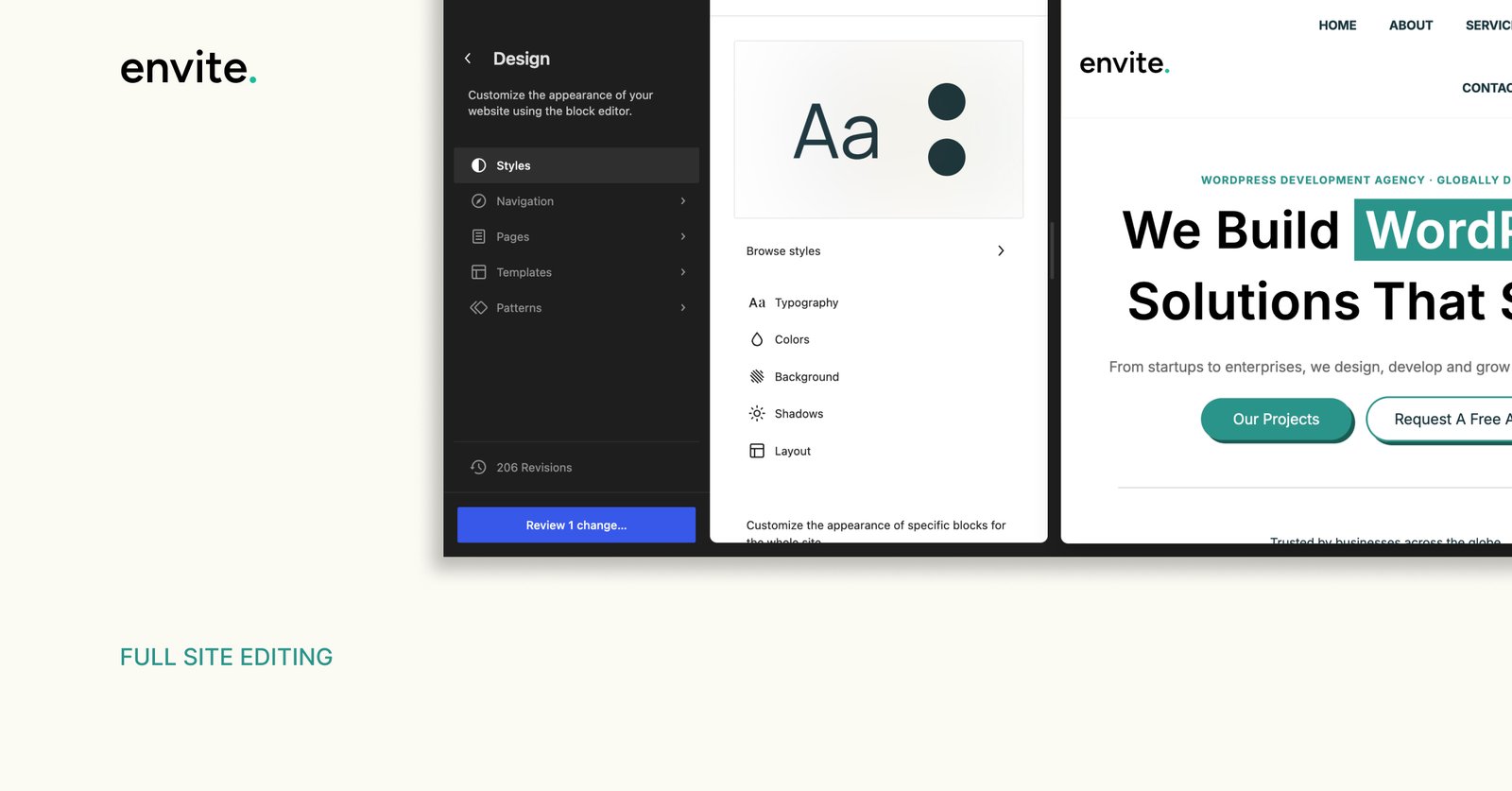
envitetech.com is built on WordPress Full Site Editing with custom blocks and no page builder dependency. If you want to see what this approach produces in practice, you’re looking at it.
Run it through PageSpeed Insights if you’re curious. The score is the honest result of building the right way not something we’ve optimized after the fact.
If you’re planning a WordPress build and want to understand how a native block approach would work for your specific project, our free WordPress audit is the right starting point. No sales pitch just an honest look at what your project needs.